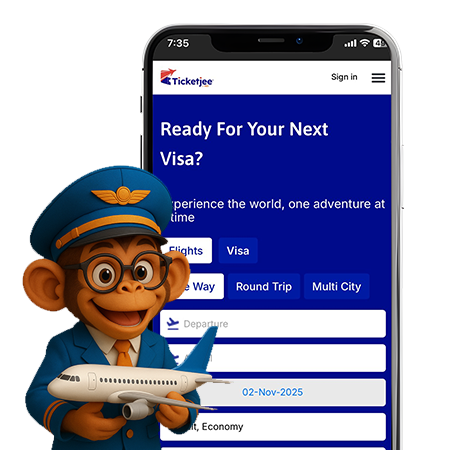
Get more out of ticketjee.com withour app
PKR | +923008409156
Search, compare, and book Gulf Air flights on Ticketjee in seconds. Real-time fares, instant e-tickets, and helpful human support when you need it.
We make booking feel effortless — like talking to a helpful friend who actually knows flights.
Check these popular routes on Ticketjee.com
Karachi
Islamabad
Lahore
Peshawar
Quetta
Your all-in-one travel app.
Search flights on Ticketjee, pick your Gulf Air fare, pay securely, and get your e-ticket instantly.
Yes, changes depend on your fare. Use Ticketjee’s Manage Booking or contact support for help.
Baggage allowance varies by fare; Ticketjee displays exact limits and add-on options before checkout.
Yes, your Gulf Air e-ticket is emailed immediately after payment.
Seat selection is available during booking; you can also update it later via Manage Booking.
Meal service depends on route and fare, details appear on the booking page.
Use Ticketjee’s Flight Status tool or check with Gulf Air using your booking reference.
Yes, add your membership number while booking to earn miles and benefits.